Microsoft Fabric

Videos that cover topics related to using Microsoft Fabric as an AI-Native Data Platform.

23 videos

BigQuery → Fabric Mirroring Made Easy (Automation Script Included) 6:26

BigQuery → Fabric Mirroring Made Easy (Automation Script Included)

In this video, we'll walk through how to set up Microsoft Fabric database mirroring from Google BigQuery—end-to-end. We start by preparing BigQuery using a fully automated script that handles service account creation, IAM permissions, and GCS bucket setup, then move into Fabric to create the connection, set up the mirrored database, and start replication. Along the way, we'll explain how Fabric mirroring works under the hood, covering near real-time sync, incremental data changes, and conversion to Delta tables, before validating everything by querying the mirrored data to confirm it matches the source.

Jun 24, 2026146 views
Query BigQuery Iceberg Tables from Microsoft Fabric (Shortcuts + Automation) 5:20

Query BigQuery Iceberg Tables from Microsoft Fabric (Shortcuts + Automation)

In this video, we'll walk through how to use Microsoft Fabric shortcuts to access Google BigQuery Iceberg tables without copying or moving data. We'll go end-to-end, including a simple automation script that handles the Google Cloud setup so you don't have to manually configure everything in the console. We'll also show you how to configure the connection in Fabric and query the data directly from SQL, Power BI, and other Fabric workloads.

Jun 21, 2026132 views
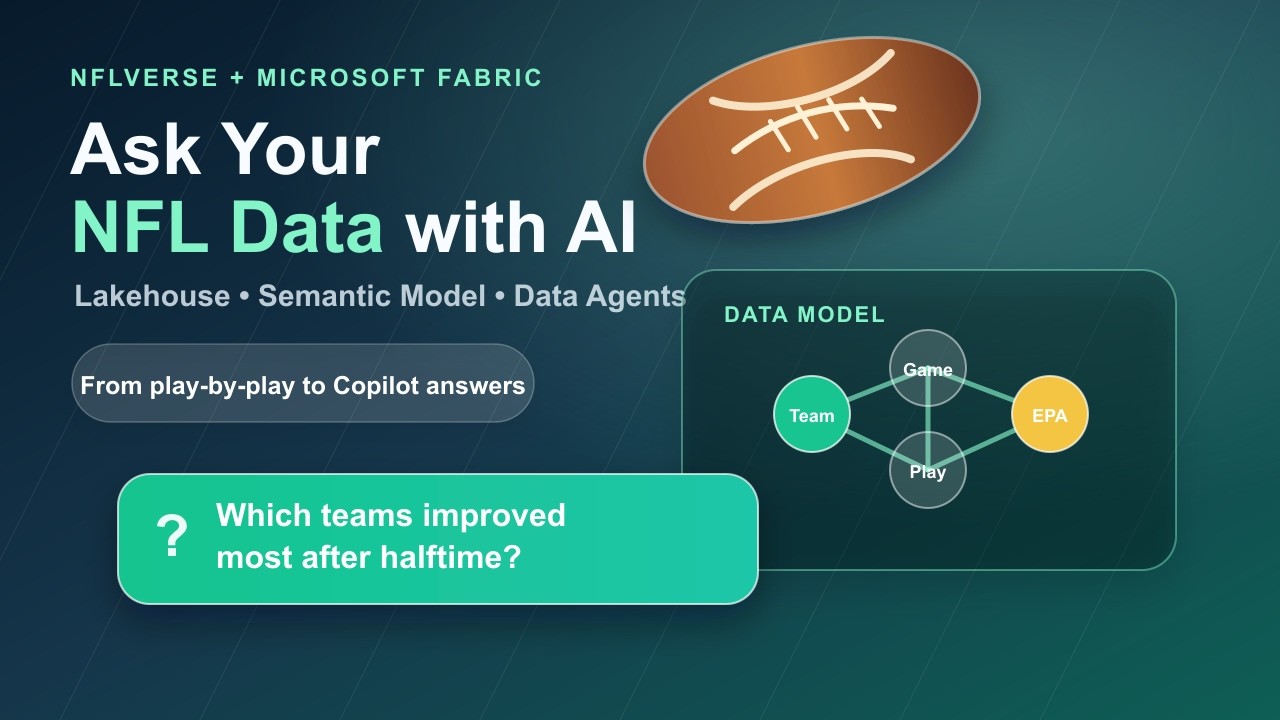
Building NFL Analytics with Fabric, Power BI, and AI Agents 33:16

Building NFL Analytics with Fabric, Power BI, and AI Agents

In this video, we'll build an end-to-end NFL analytics reference architecture in Microsoft Fabric using NFLVerse data. We'll walk through downloading the data locally, setting up a Fabric workspace and Lakehouse, and transforming raw files into curated Gold star schemas. Then, we'll deploy a Power BI semantic model and compare two different Fabric Data Agent patterns to see how they handle natural language analytics. Finally, we'll test the agents in Microsoft 365 Copilot, run evaluations, and walk through the development loop for improving AI-powered analytics quality.

May 25, 2026327 views
From On Prem SQL to Natural Language Queries with Fabric Mirroring & Data Agents 7:29

From On Prem SQL to Natural Language Queries with Fabric Mirroring & Data Agents

In this video, we'll walk through how to expose existing on-prem SQL Server data through a natural language interface using Microsoft Fabric. We'll start by mirroring a small set of tables from a local SQL Server 2022 instance into OneLake using Change Data Capture and the Data Gateway, then build a Fabric Data Agent so we can ask plain English questions and get results instantly—no ETL pipelines or duplicate copies required.

Apr 20, 2026259 views
Microsoft Fabric Private Link: Secure a Workspace in an Azure VNet 17:22

Microsoft Fabric Private Link: Secure a Workspace in an Azure VNet

In this video, we'll walk through setting up a Microsoft Fabric workspace with Private Link so that access is restricted to an Azure Virtual Network. We'll build the solution from scratch, covering everything from creating the VNet and subnets to deploying the Private Endpoint and a Jumpbox VM for testing. We'll also explore a practical architecture pattern where restricted Lakehouse data sits behind Private Link, while an open reporting workspace uses a Virtual Network Data Gateway to securely refresh Semantic Models and Power BI reports.

Mar 16, 20261,118 views
Using Python to Build a Microsoft Fabric Ontology 4:31

Using Python to Build a Microsoft Fabric Ontology

In this video we'll explore how to build a Microsoft Fabric ontology entirely using Python code. We'll walk through three different approaches, including how to automatically generate properties by reading lakehouse schemas with PySpark, and we'll look at the REST payloads needed to deploy the structure. We'll use a trucking data model to show you how to define entities, keys, and relationships, and then run the notebook to automatically validate and deploy the ontology to Fabric.

Mar 08, 2026765 views
Fabric Data Agent + Foundry Agent: Building a Multi-Source AI Assistant 1:55

Fabric Data Agent + Foundry Agent: Building a Multi-Source AI Assistant

In this video, we'll explore how to build a powerful multi-source AI assistant by extending a Fabric Data Agent with a Microsoft Foundry Agent. We'll walk through how a Fabric Data Agent can answer complex questions over a Fabric Ontology, traversing relationships between Drivers, Trips, Loads, Customers, and Terminals. Then, we'll see how inside Microsoft Foundry, an agent can combine that structured enterprise data with an Azure AI Search vector index of company documentation, allowing a single agent to query both operational data and unstructured policy documents. We'll demonstrate querying live operational data, calculating load values for in-progress trips, and answering company policy questions, showing how Foundry orchestrates these multiple knowledge sources together.

Mar 06, 2026439 views
Can Microsoft Fabric Power Custom Apps? (Yes — Here’s How) 4:23

Can Microsoft Fabric Power Custom Apps? (Yes — Here’s How)

In this video, we'll walk through how to build a secure, production-style web app that uses Microsoft Fabric, Fabric Ontology, and Microsoft Foundry Agents together — with zero data duplication — to deliver map-based visualization and generative AI experiences inside your own custom app. We'll look at the full architecture, covering everything from the React and Next.js frontend to the FastAPI Python backend, and see how the Fabric Graph API, Azure AI Search, and Azure Maps work together to power custom experiences.

Mar 02, 2026431 views
Query Fabric Semantic Models from React Web Applications 7:27

Query Fabric Semantic Models from React Web Applications

In this video, we'll walk through how to integrate a Microsoft Fabric Semantic Model query into a custom React web app. We'll cover everything from setting up the necessary API permissions and fetching the correct access token to adding the actual query code and displaying the results. By the end, we'll have tested the implementation so you can see how to submit queries and render the data directly in your UI.

Mar 01, 2025715 views
Mirroring Snowflake data to Microsoft Fabric using Change Data Capture (CDC) 7:03

Mirroring Snowflake data to Microsoft Fabric using Change Data Capture (CDC)

In this video we'll walk through how to mirror data from a Snowflake Data Warehouse into Microsoft Fabric using Change Data Capture. We'll cover the steps to enable mirroring, create the mirror, select the tables you want to replicate, and check in on the monitoring. We'll also take a look at the data to see how it looks once it's synced, and we'll add a new data item to see the process in action.

Apr 16, 20242,598 views
Importing Snowflake data to Microsoft Fabric using a Pipeline 5:27

Importing Snowflake data to Microsoft Fabric using a Pipeline

In this video, we'll walk through how to import data from a Snowflake Data Warehouse into a Microsoft Fabric Lakehouse using a Pipeline. We'll start by creating the pipeline, setting up a Snowflake connection, and selecting the data we want to move. Then, we'll choose our destination and run the process to review the results.

Apr 16, 20243,903 views
How to create and install custom Python libraries in Microsoft Fabric 13:30

How to create and install custom Python libraries in Microsoft Fabric

In this video, we'll walk through how to create and install your own custom Python libraries within Microsoft Fabric. We'll start with some original code, then show you how to package it up so you can reuse it across different notebooks. We'll also demonstrate how to install the package and use it to fetch secrets from Azure Key Vault, helping you keep your code clean and organized.

Feb 06, 20246,077 views
Display a Power BI Report in a Microsoft Fabric Jupyter Notebook 4:26

Display a Power BI Report in a Microsoft Fabric Jupyter Notebook

In this video we'll walk through how to display a Power BI report right inside a Microsoft Fabric Jupyter notebook. We'll start by creating a notebook and importing the necessary Python dependencies, then we'll cover the authentication steps and how to enter your Group and Report IDs. Finally, we'll see how to create a report instance so you can visualize your data visually within the notebook.

Nov 29, 2023971 views